
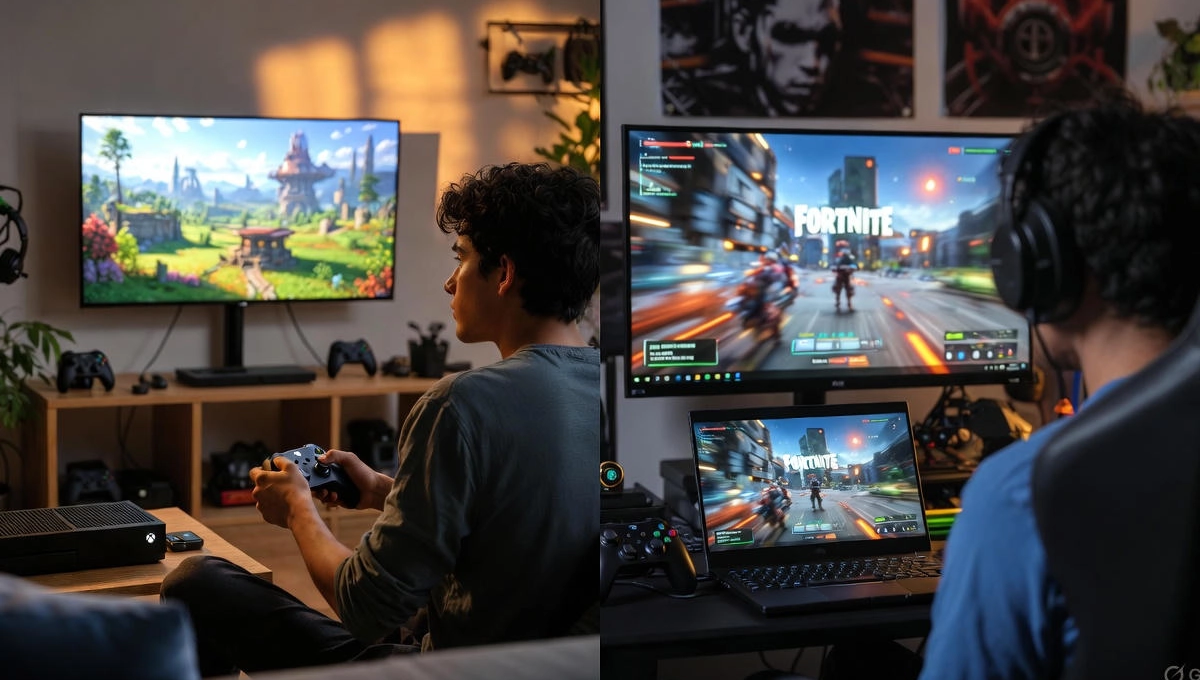
Imagine you’re stuck in traffic, but instead of scrolling aimlessly, you pull out your phone and dive into a quick game of Fortnite. No heavy console needed—just a solid internet connection and your Xbox account. That’s the magic of cloud gaming on Xbox, and in 2025, it’s smoother than ever. If you’ve been curious about streaming games without all the hardware hassle, this guide walks you through it step by step, like we’re chatting over coffee.
Key Takeaways
- Xbox cloud gaming lets you play hundreds of titles on almost any device, with 2025 updates bringing crisper visuals up to 1440p.
- It’s tied to Game Pass Ultimate, giving access to big hits like Halo and Forza, plus growth in places like India and Brazil.
- Strong internet is a must—aim for 20Mbps or more—to dodge lag, especially in fast-paced games.
- Compared to buying a console, it’s cheaper long-term, but it depends on your connection for the best experience.
- Usage jumped 45% this year, showing more folks are ditching downloads for instant play.
What Is Xbox Cloud Gaming?
Xbox cloud gaming is basically playing games streamed from Microsoft’s servers straight to your screen. You don’t need to download huge files or own a fancy console—everything runs in the cloud. It started as xCloud a few years back, but now it’s fully baked into Xbox Game Pass Ultimate.
Think of Xbox cloud gaming like Netflix for games. You log in, pick from a library of hundreds of titles, and start playing right away. Popular ones include Fortnite for quick battles or Halo for story-driven adventures. And with over 200 owned games you can stream too, it’s flexible if you already have a collection.
This setup saves space on your device and lets you switch screens easily. One minute you’re on your TV, the next on your phone. Xbox cloud gaming is perfect for folks who travel or share devices at home.
2025 Upgrades and Trends
This year, Xbox cloud gaming got a big refresh. Streams now hit up to 1440p resolution with higher bitrates, making everything look sharper and less blurry. Experts at Digital Foundry tested it and said the changes cut down on fuzzy edges, especially in detailed games like Forza.
Usage has grown fast—45% more playtime overall, with console streaming up 45% and other devices 24%. It’s now in 29 countries, including new spots like India and Brazil, where folks are jumping in big time. Picture a gamer in Mumbai streaming Call of Duty without waiting for downloads; that’s the appeal.
New perks include picking your own quality settings and shorter queues for Ultimate members. These tweaks make Xbox cloud gaming feel more reliable, though your mileage varies with the internet. If you’re in a growing market, check local updates for the best tips.
Supported Devices List
Xbox cloud gaming works on a ton of gadgets, so you can play wherever. Start with Xbox consoles themselves—Series X, S, or even older ones—for seamless streaming. Then there’s Windows PCs via the app or browser.
- Mobiles: iOS and Android phones or tablets, great for on-the-go.
- Smart TVs: Samsung, LG models, or plug in a Fire TV stick for easy setup.
- Others: Handhelds like Steam Deck, VR headsets like Meta Quest, and even in-car systems coming soon.
Take my friend who streams Forza on his Fire TV while waiting for dinner. It turns downtime into fun without extra gear. For controls, grab a Bluetooth Xbox controller; touch screens work for casual stuff like Fortnite, but they’re not as precise.
If you’re mixing devices, link your account once and hop between them. It’s handy for families—kids on the tablet, you on the TV. Just ensure your internet holds up across all.
How to Set Up Xbox Cloud Gaming
Getting started with cloud gaming on Xbox is straightforward. First, grab a Game Pass Ultimate subscription—it’s about $30 a month and unlocks everything. Head to xbox.com/play or download the Xbox app on your device.
- Sign in with your Microsoft account.
- Pair a controller if needed—Xbox ones connect via Bluetooth.
- Browse the library and hit play; it streams in seconds.
Worried about slow internet? Test your speed first—20Mbps download is the sweet spot. If it’s spotty, stick to Wi-Fi over mobile data. Compared to Xbox Remote Play, which needs your own console running, cloud gaming pulls from servers, so it’s more flexible but might have a tiny delay.
One tip: Start with a free trial if available. It lets you dip your toes without committing. Many folks find it clicks after the first session.
Performance and Latency Fixes
Performance in Xbox cloud gaming can be hit or miss, depending on your setup. In 2025, streams are steadier with those bitrate boosts, but lag pops up in intense games like Call of Duty. User reports on Reddit show it’s better now, but not perfect.
To fix latency, try these:
- Switch to a wired connection—Ethernet beats Wi-Fi for stability.
- Close other apps eating bandwidth, like video calls.
- Drop to 1080p or lower if 1440p stutters.
In places like India, where networks vary, folks swear by 5G for mobile play. Wirecutter’s tests this year noted “big improvements” in quality, but advise checking your router settings. A quick restart often clears glitches.
Picture rushing home for a game night, only to hit lag—frustrating, right? These tweaks turn that around fast. If queues bug you, play off-peak or upgrade to Ultimate for priority.
Best Games for Cloud Play
Not all games shine in the cloud, but some are made for it. Go for ones with forgiving controls, like racing in Forza Horizon—smooth even with a bit of delay. Halo Infinite’s campaign mode works well too, focusing on exploration over split-second shots.
Here’s a quick list of top picks:
- Fortnite: Easy touch controls, quick matches.
- Sea of Thieves: Relaxed sailing and adventures.
- Minecraft: Building without precision worries.
Avoid super-competitive fighters if your connection wobbles. Take Fortnite’s story: In regions where it’s banned on app stores, cloud gaming brought it back to mobiles. Millions streamed it that way, per Xbox stats.
Digital Foundry highlights day-one Game Pass drops as cloud winners—try new titles without installs. It’s like test-driving a car before buying. For low-competition searches, look up “best games for Xbox cloud gaming” to find hidden gems.
Pros, Cons, and Comparisons
Xbox cloud gaming has clear upsides. No need for massive storage—stream and forget downloads. Device hopping keeps things fresh, and the library grows with Game Pass hits.
On the flip side:
- It demands good internet; weak signals mean fuzzy play.
- No mouse and keyboard support yet, so controllers rule.
- Ultimate’s cost adds up, though it’s cheaper than new hardware.
Stack Xbox cloud gaming against PlayStation Cloud: Smaller game selection, but similar streaming. NVIDIA GeForce Now excels for PC-owned titles with fewer subscription tie-ins. Native Xbox play wins on zero lag, but you’re stuck to one spot.
If you’re debating, think about your habits. Casual gamer? Cloud fits. Hardcore? Mix it with a console for the best of both.
Addressing Common Challenges
Battery drain on phones is a big gripe with cloud gaming on Xbox. Streaming chews power, so plug in or use low-power mode. Queues happen during busy times—hit play early or wait it out.
For touch controls feeling off, practice on simple games first. No mouse support bugs PC users, but controllers bridge the gap. In Brazil or India, where rollouts are new, check regional forums for tweaks.
Wirecutter suggests 5G for mobiles to slash lag. If artifacts show, lower settings—it’s a quick fix. These hurdles are common, but with a few adjustments, they fade.
Conclusion
Xbox Cloud Gaming in 2025 proves that powerful gaming no longer needs powerful hardware. With smoother 1440p streams, wider device support, and a growing Game Pass library, it’s a practical option for casual players, travelers, and anyone tired of long downloads. While a fast internet connection is essential, the freedom to jump into games anytime, anywhere makes cloud gaming a compelling alternative to traditional consoles. If convenience matters as much as performance, Xbox Cloud Gaming is absolutely worth trying this year.