
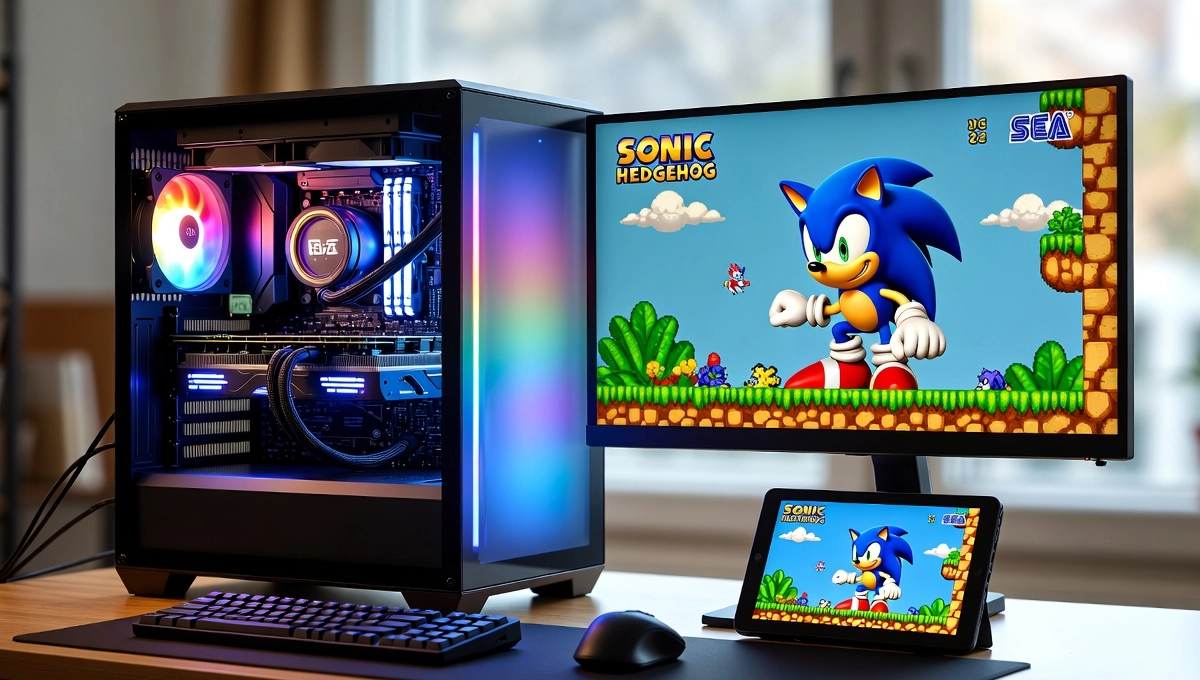
Remember rushing home after school, popping in Sonic the Hedgehog, and just losing yourself in those speedy levels? The music, the colors, the way everything felt so alive on that old TV—it was pure magic. Fast-forward to now, and those consoles are either collecting dust or costing a fortune on eBay. That’s why so many of us turn to Sega emulators. They bring back that feeling on your laptop or phone, sometimes even better with quick saves or nicer graphics.
In 2026, things have settled nicely. Most Genesis games run flawlessly, and the good options handle add-ons like Sega CD without too much drama. The tricky part is sorting through all the choices—some are outdated, others risky with downloads. I’ve pulled together the ones that actually work well based on what folks are saying online and from solid emulation sites.
Key Takeaways
- The Sega emulator RetroArch with Genesis Plus GX core is the easiest pick for playing nearly every Sega Genesis game, including Sega CD extras, all with handy modern features like save states.
- BlastEm stands out as a top Sega emulator if you crave super-precise, cycle-accurate play for tricky demos and homebrew—though it keeps things simpler.
- For Android, Sega emulator apps like MD.emu and the fresh Pizza Boy SC deliver smooth mobile gaming with minimal fuss.
- Every Sega emulator here is legal software, but always use ROMs from games you actually own to keep things above board.
- Stick to official downloads for any Sega emulator to dodge viruses—one of the biggest worries retro gamers still face.
What Is a Sega Emulator?
A Sega emulator is basically software that tricks your modern device into acting like an old Sega console. It copies how the hardware ticked, so games load up and play just like they used to. Sega emulator had some absolute legends. The Genesis (or Mega Drive if you’re outside the US) was the star of the 16-bit era with roughly 900 games. Add-ons like Sega CD brought in better sound and video cutscenes, while 32X gave a power boost to a handful of titles. Don’t forget the older ones like the Master System and the Game Gear, too.
Why go this route? Your original hardware might be long gone or broken. Emulation keeps these games alive, adds handy stuff like pausing anywhere, and works on whatever device you’ve got handy. Imagine you’re stuck on a bus—pull out your phone, load up Streets of Rage, and suddenly the ride’s a lot more fun.
Top Sega Emulators for PC in 2026
On PC, you’ve got solid choices. People these days lean toward accurate ones that are still getting updates, or simple setups that just work.
RetroArch with Genesis Plus GX
This is the most popular Sega emulator setup for good reason. RetroArch is like the hub, and Genesis Plus GX is the core that handles Sega stuff really well. It plays pretty much every Genesis game, throws in Sega CD support, and even covers Master System titles. Compatibility is crazy high—think 95-100% for the main stuff. You get cool extras like shaders to mimic that old CRT glow, save states whenever you want, and easy controller setup.
Here’s a quick tip if you’re starting out: RetroArch’s menus can feel like a lot at first. Just grab the installer from the official site, search for the Genesis Plus GX core, install it, and you’re off. Tons of people on Reddit swear by it for reliable daily play.
BlastEm for Accuracy
If you’re the type who wants it to feel exactly like the real thing, BlastEm is your pick. It’s built for cycle-accurate emulation, meaning it times everything just right—even those weird demos or homebrew games that mess with other emulators.
It runs fast on older machines too, and the sound is spot-on. The downside? It’s pretty basic—no big support for Sega CD yet (though nightlies are getting there). Folks who love speedrunning or testing edge cases pick this one.
Quick comparison: Genesis Plus GX is perfect for casual sessions with more features. BlastEm takes the crown for pure accuracy.
Kega Fusion as a Classic
Kega Fusion keeps things dead simple. It handles Genesis, Master System, Game Gear, and some 32X titles with no fuss. The only issue is that it hasn’t seen an update in over a decade. It still runs fine on Windows with some tweaks, but newer options have passed it by. If you hate complicated setups, this one’s still solid.
Best Sega Emulators for Android
Mobile play is huge these days. Android has some great apps that run smoothly and feel natural on a phone.
MD.emu for Versatility
MD.emu is a real standout. It covers Genesis, Sega CD (with the right BIOS), and more. The touch controls are decent, but pairing a Bluetooth controller makes fast games like Sonic feel way better.
A little tip: Remap those buttons for quick action games to cut down on lag. People really like it for staying updated and clean performance.
Pizza Boy SC and Similar Newcomers
Pizza Boy SC (from the same folks behind other retro apps) is pretty new and focuses on 8/16-bit Sega stuff. Nice clean look, good saves, and solid speed.
It’s still getting tweaks, but early feedback is positive—efficient and fun. Lemuroid is another open-source pick that’s free of ads.
For lower-end phones, drop the settings a bit, and games like Phantasy Star still run smoothly without hiccups.
Accuracy and Compatibility Comparisons
Accuracy is about how closely it matches the real hardware’s timing. Most top emulators nail everyday games, but differences pop up in tough tests.
Genesis Plus GX hits near-perfect on standard titles. BlastEm pulls ahead on super-precise stuff like VDP timing checks.
Side-by-side: Go with Genesis Plus GX for wide support and ease. BlastEm if you’re chasing perfection. PicoDrive is lighter if your hardware is older.
In real play, Sonic games sound great across the board. For 32X stuff like Knuckles’ Chaotix, pick the right core.
Safety Tips for Using Sega Emulators
Viruses are the biggest headache—shady sites love bundling junk with downloads.
Always hit official sources: Libretro for RetroArch, GitHub for BlastEm. Run an antivirus scan anyway.
ROMs? Rip them from your own carts if you can. Legal collections like Sega Genesis Classics on Steam are a safe bet, too.
Quick fix for performance: Update your graphics drivers to stop random crashes. Sega CD games with multiple discs swap smoothly in good cores.
Legal Aspects of Sega Emulation
Emulators are fine legally—old court cases like Sega vs. Accolade backed that up, and nothing big has changed.
The ROM part? Downloading is usually illegal unless it’s a backup of something you own. Ripping your own is generally okay.
My advice: Go for official rereleases when you can. Rules differ by country, but playing responsibly keeps the hobby alive.
Set Up Guides and Practical Tips
Getting started with RetroArch is straightforward:
- Head to retroarch.com and download it.
- Install the Genesis Plus GX core inside.
- Add BIOS files for Sega CD if you need them (from your own hardware).
- Load your game and play.
Fixing lag? Try a wired controller. Audio weird? Tweak the settings.
Make it feel even more real: Throw on CRT shaders—Earthworm Jim pops like it’s 1994 again.
Alternatives to Sega Emulation
Not sold on software? Official collections like Sega Genesis Classics on Steam give you a bunch of games ready to go. Handhelds like Anbernic come with emulators built in—super portable, though they cost more. Some cloud services let you stream titles without any setup, but you need a good connection. These tools make it easy to jump back into Sega classics without the hassle.
Conclusion
Sega emulators in 2026 make it easier than ever to enjoy classics like Sonic, Streets of Rage, and Phantasy Star. For casual play, RetroArch with Genesis Plus GX is perfect, while BlastEm is ideal for accuracy lovers. On Android, MD.emu and Pizza Boy SC bring smooth portable gaming. Always download from official sources and use ROMs you own to stay safe and legal. Whether on PC or mobile, these emulators revive the magic of Sega games with modern convenience—pick your favorite and start playing today!