
Imagine walking into your classroom and seeing kids excited for a quiz. That’s what happens with Gimkit. It’s a simple online tool that makes reviewing lessons feel like playing a video game. Teachers love it because students stay focused longer, and kids ask to play it again. If you’ve ever struggled to keep everyone engaged during reviews, Gimkit might be just what you need.
Key Takeaways
- Gimkit lets students earn virtual currency for correct answers and purchase power-ups, making quizzes more strategic and engaging.
- The basic version is free, but a paid plan unlocks extras like homework assignments and custom images.
- In 2025, updates introduced new props, terrains, and devices to Creative mode, enabling the creation of custom games.
- It stands out from Kahoot by focusing on strategy instead of speed, helping kids think deeper.
- Quick fixes for bugs and cheating can keep your games running smoothly without frustration.

What Is Gimkit?
A high school student back in 2017 gets tired of boring quizzes and builds his own game. That’s how Gimkit started. Now, it’s a go-to tool for teachers everywhere.
At its heart, Gimkit is a classroom game show. Students use their devices to answer questions. Get one right, and you earn in-game cash. Get it wrong, and you lose some. Then, you spend that cash on power-ups to help you win. It’s not just about being the fastest—it’s about smart choices.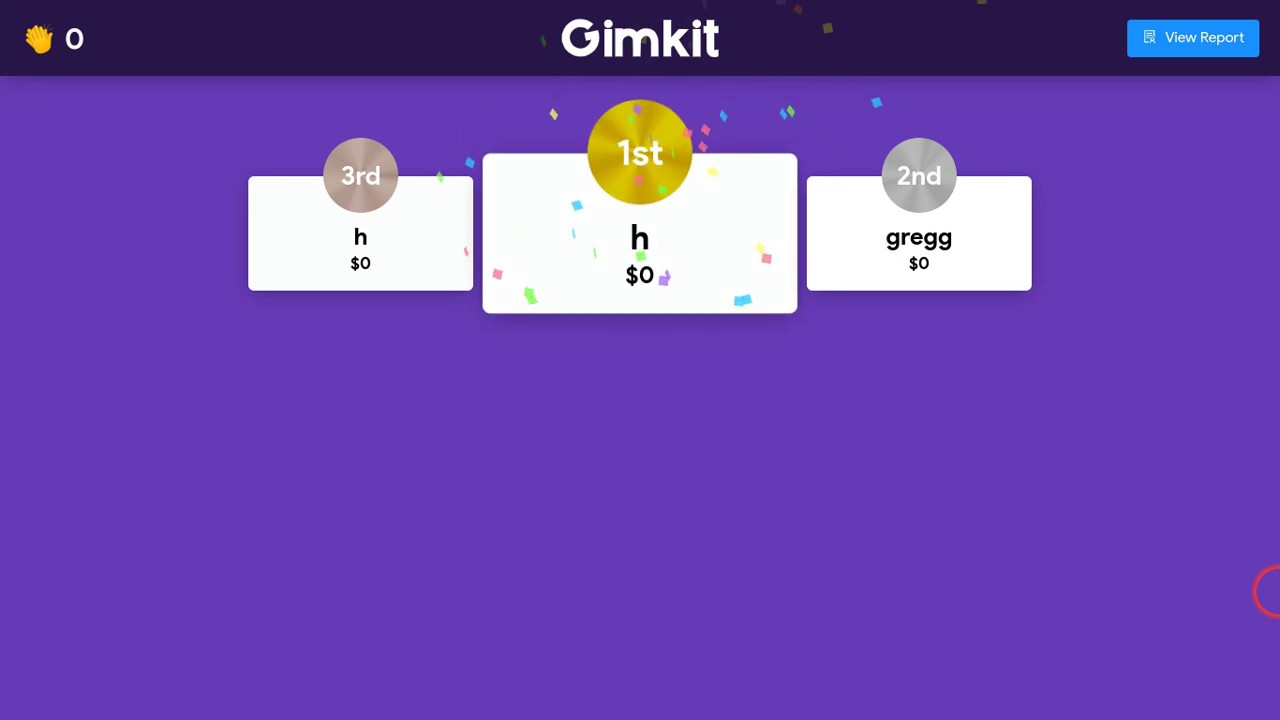
Teachers use it for quick reviews or big test prep. One math teacher shared how her class turned a dull fractions unit into a competition where everyone participated. With millions of visits each month in 2025, it’s clear that lots of classrooms rely on it for that extra spark.
Gimkit Key Features
What makes Gimkit stick? It’s the little things that add up to big engagement.
Gamification Elements
The cash and power-ups are the stars. Kids can buy things like extra lives or multipliers. This keeps them playing longer—sessions often last over 10 minutes on average. It’s great for classroom gamification because it rewards learning, not just speed.
Analytics and Reports
After a game, you get clear reports on who got what right. Spot patterns fast, as if half the class misses the same question. One history teacher used these to tweak lessons and saw scores jump 15% on the next test.
Integration Options
Pull in questions from Quizlet or spreadsheets easily. There’s even an AI tool to help generate questions quickly.
These save time, so you focus on teaching.
How to Use Gimkit
Getting started is straightforward. Here’s a simple walkthrough.
Account Setup and Kit Creation
Sign up for free with your email or Google. Then, build a “kit”—that’s your quiz.
- Add questions manually or import them.
- Include images or audio for variety (paid feature).
- Let students help with KitCollab—they submit questions you approve.
Hosting Games
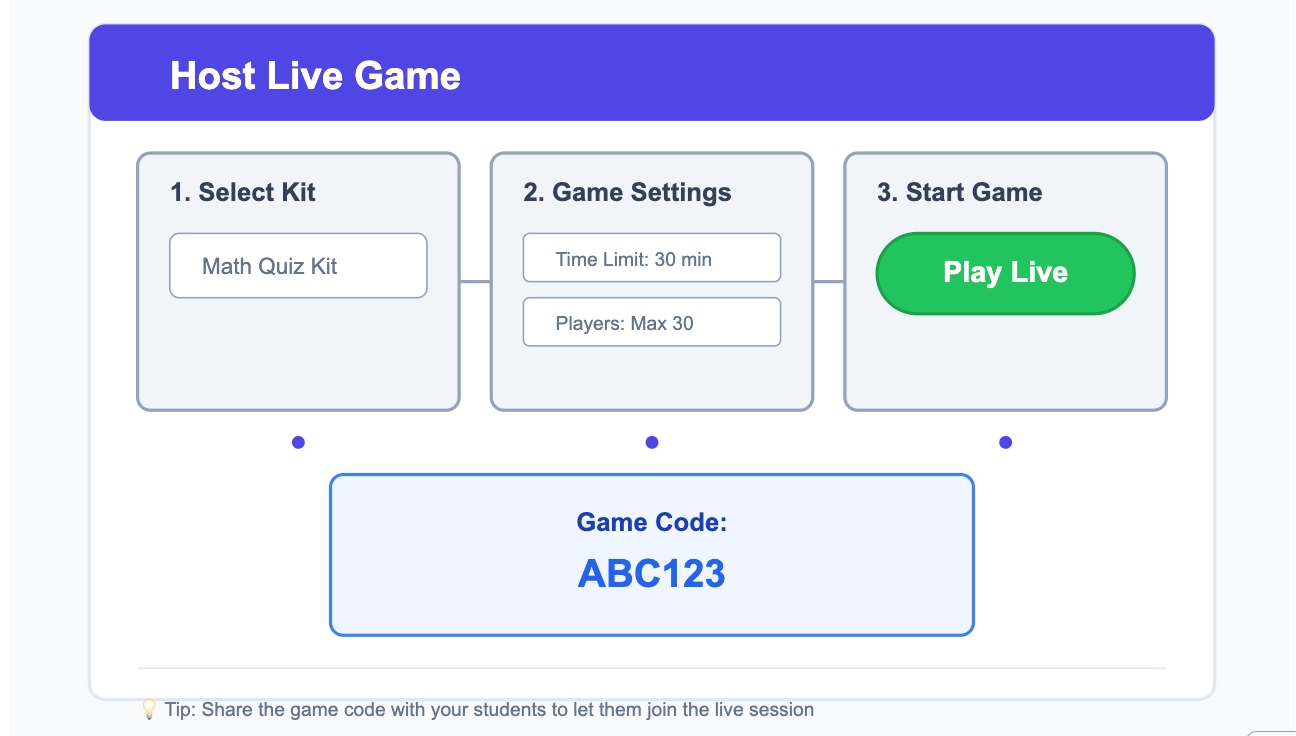
Choose live for real-time class play or assign as homework.
- Share a code or link.
- Set time limits or cash goals.
- Watch progress live on your screen.
Tip: Start short to test the waters.
Advanced Usage Tips
Mix modes for different lessons. Use reports to follow up on weak spots.
A science teacher assigns weekly kits as homework, and kids complete them without reminders because it’s fun.
Popular Gimkit Modes
Over 10 modes keep things fresh.
Classic and Live Modes
Trust No One adds mystery—vote out suspects. Fishtopia has a fishing theme.
Don’t Look Down is a favorite for platform challenges.
These pull in thousands of plays daily.
Creative Mode Updates
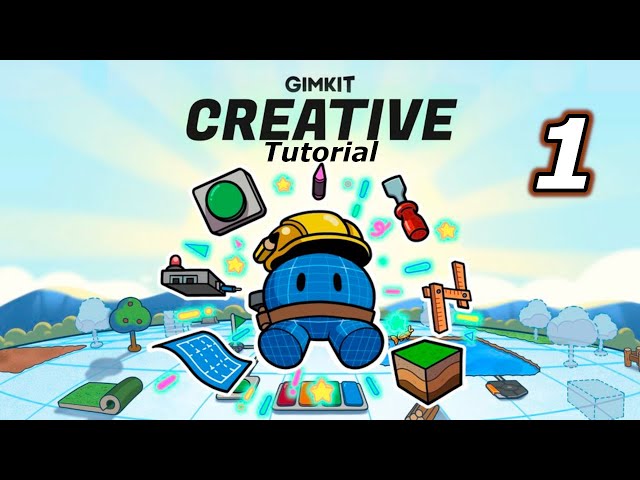
This is where teachers build custom maps.
In 2025, updates added:
- Over 150 new props in April.
- Fresh terrains and block improvements.
- Popup devices and gadgets earlier in the year.
One teacher made a literature world where kids explore scenes—perfect for filling gaps in creative learning.
Gimkit vs Alternatives
Wondering if it’s the best fit? Let’s compare.
Vs Kahoot
Kahoot is fast and buzzer-like. Gimkit slows it down with strategy. Teachers say Gimkit reduces chaos and builds deeper understanding. Plus, stronger repeat use in 2025 stats.
Vs Blooket and Quizizz
Blooket has cute characters; Gimkit shines in upgrades. Quizizz is great for solo homework. Pick Gimkit for group energy.
Classroom Impact and Student Motivation
One of Gimkit’s biggest strengths is how it changes student behavior during reviews. Instead of passively answering questions, students actively plan strategies, manage resources, and adapt based on outcomes. This shift turns quizzes into problem-solving sessions rather than memory checks. Teachers report that even typically disengaged students participate longer, ask follow-up questions, and show improved confidence when concepts reappear on tests. Over time, this repeated, low-pressure exposure supports stronger retention.
Is Gimkit Worth It in 2025?
For educators weighing free versus paid classroom tools, Gimkit offers clear value—especially for interactive or hybrid learning environments. The free version works well for short reviews, while the paid plan unlocks assignments, advanced modes, and deeper customization that saves planning time. With ongoing Creative mode updates and a focus on strategy-based learning, Gimkit continues to evolve rather than stagnate. In 2025, it stands out as more than a quiz game—it’s a flexible learning system that adapts to different teaching styles and classroom needs.
When to Choose Gimkit
Go for it if you want interactive reviews in hybrid or in-person classes. Teachers in 2025 reviews call it the top for engagement.
Tackling Gimkit Challenges
No tool is perfect. Here’s how to handle common hiccups.
Fixing Bugs and Downtime
Occasional lags or crashes happen, like some in mid-December 2025.
- Refresh the page.
- Clear cache or switch browsers.
- Check status pages for server issues.
Most resolve quickly.
Preventing Cheating
Kids sometimes try hacks.
- Randomize questions.
- Monitor live closely.
- Use modes with fewer easy exploits.
Discussions in teacher forums help stay ahead.
Cost and Accessibility
- Free works for basics, but limits kits.
- Paid unlocks full modes and assignments. Check the site for current plans.
- For special needs, add captions or adjust pacing.
Gimkit Trends in 2025
- This year brought practical updates focused on creativity and efficiency.
- New devices and props in Creative mode let you build more immersive worlds.
- Traffic grew, with over 9 million monthly visits in recent months.
- Teachers report better motivation, backed by studies on game-based learning.
- Privacy stays strong with good compliance.
Conclusion
Gimkit has earned its place as one of the most engaging classroom game platforms in 2025. By combining quizzes with strategy, virtual rewards, and creative customization, it keeps students focused and motivated far longer than traditional review methods. Unlike speed-based tools, Gimkit encourages thoughtful learning, making it especially effective for concept retention and group collaboration.
While occasional bugs or cheating attempts can occur, simple fixes and smart settings help maintain smooth gameplay. Whether used for live classroom reviews or homework assignments, Gimkit offers flexibility, fun, and measurable learning benefits. For teachers looking to turn routine quizzes into memorable learning experiences, Gimkit remains a powerful and reliable choice.